GRIT guides · iPhone & iPad
A gym timer your whole class can follow
Keep one clear clock for the session. Run GRIT on iPhone or iPad, use landscape for a larger display, or show a synchronised read-only timer on an AirPlay screen.
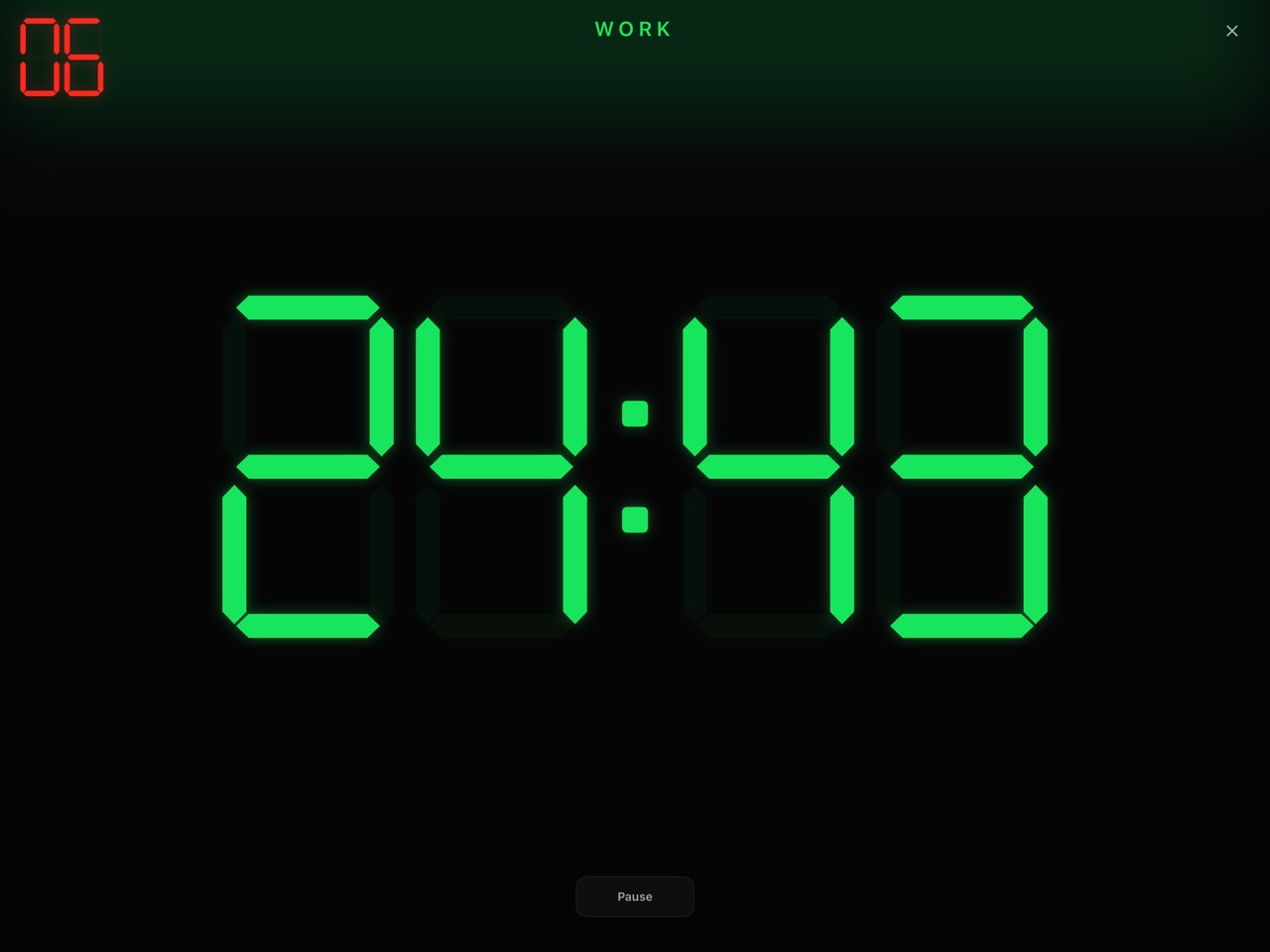
A pre-class display check
- Set up the actual workout on the device that will control it.
- Turn the device to landscape and check readability from the furthest training station.
- If using AirPlay, connect the display and confirm that it follows the controlling device.
- Run a short rehearsal to check work/rest transitions and audio in the room.
- Confirm how you will pause or stop the session before participants start.
Build the class before it starts
Use Build a WOD to combine the session’s formats and rest periods. For example, a coach may need an EMOM skill piece, a rest block and an AMRAP conditioning window. Enter the planned settings and inspect the full sequence before running it.
This keeps the workout definition together instead of requiring a fresh timer setup between every part of the class.
Know which screen controls the workout
The connected AirPlay display shows a synchronised, read-only timer. Keep the iPhone or iPad running GRIT within reach to control the session. A shared screen is not a remote control, a judging system or a competition leaderboard.
Test the connection in the actual venue. Display availability and reliability depend on the devices and network setup you use.
Start with one class
Try GRIT with one familiar workout. Note which settings took time, whether the class could read the clock and whether audio cues were useful. That feedback is more valuable than changing your entire class workflow at once.
To share feedback, contact @gritwod on Instagram. The timer is free to use without a GRIT account or subscription.
Questions before you start
Do athletes need to pay to see the clock?
The core GRIT timer is free. A room display shows the workout from the controlling device; individual athletes do not need a paid account.
Can I host a competition or private community here?
This guide covers the released timer and display features. It does not offer competition hosting, judging, leaderboards or paid private communities.
Can GRIT replace a wall-mounted clock?
It can provide a large workout timer on an iPad or connected display. Check readability, sound and connection reliability in your own venue before relying on it for a class.
Put your next workout on the clock.
Choose the format, check your settings and start GRIT on iPhone or iPad.
Get GRIT on the App Store