GRIT training guides · iPhone & iPad
A free gym timer for your HYROX training
Keep your run-and-station sessions on the clock. Set work and recovery intervals, time a task from start to finish, or build a multi-part workout with GRIT.
GRIT is an independent workout timer. It is not affiliated with or endorsed by HYROX.
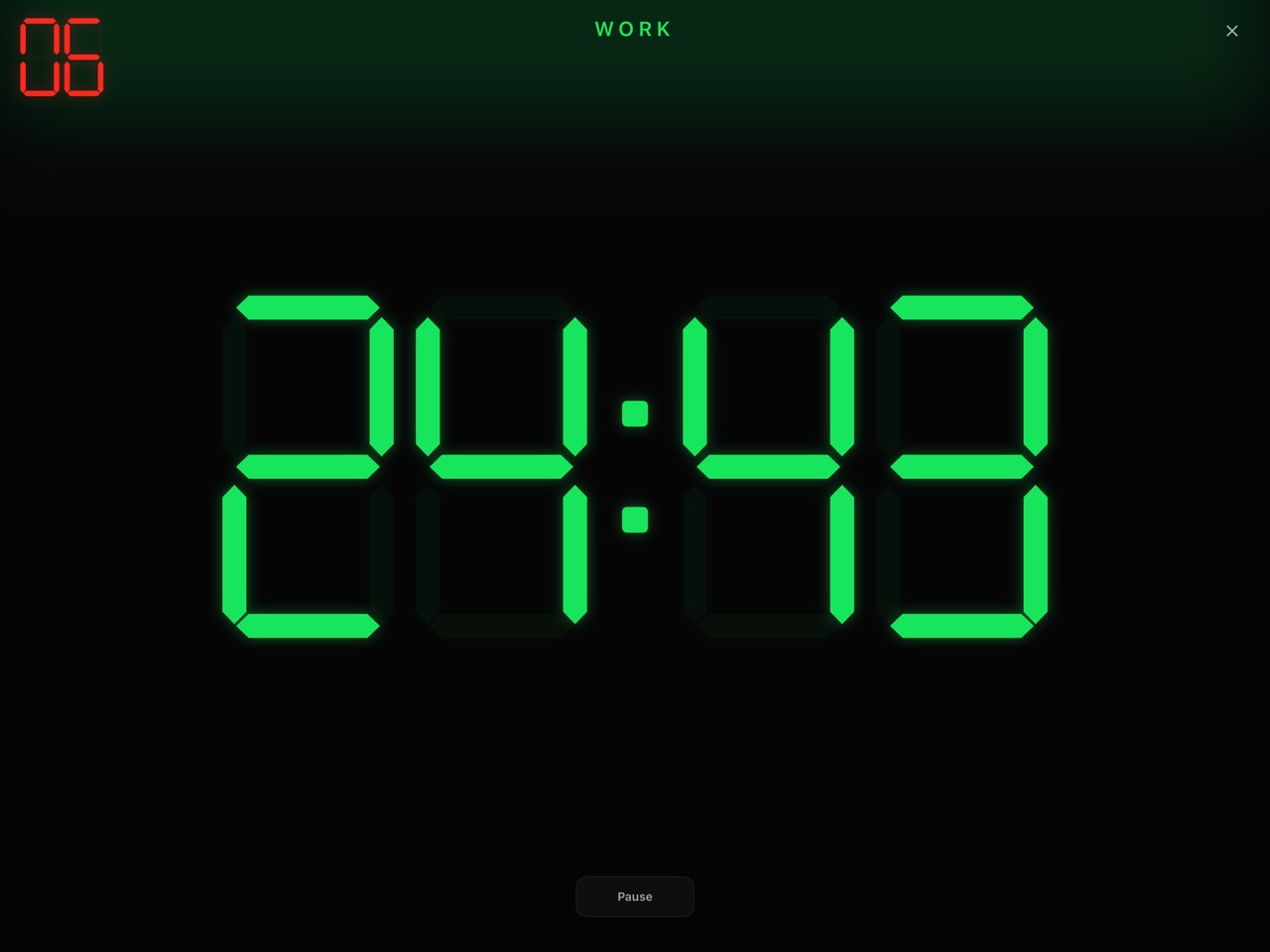
Choose the timer for the session you are doing
The HYROX race format alternates eight 1 km runs with eight workout stations. Your gym preparation can use shorter blocks, chosen distances or station practice without reproducing an entire race. The right timer depends on whether your session is based on time or a task to finish.
- Repeated work and recovery: use Intervals when each effort and rest period has a fixed duration.
- A set task to complete: use For Time to follow elapsed time, with a cap suited to your session.
- Several different parts: use Build a WOD to combine timer formats and rest blocks into one workout.
Set distances, movements and loads from your own training plan. A timer controls the clock; it does not measure how far you have run or check movement standards.
Three practical timer setups
These are examples of clock settings, not official HYROX workouts or a personalised training programme. Choose the activity and effort appropriate to your session.
1. Short station practice: 40 seconds on, 20 seconds off
Choose Intervals. Set work to 00:40, rest to 00:20 and rounds to 8. That gives eight minutes of programmed work and rest, including the final rest. Count-in and enabled transition cues add time around those blocks. Use the work window for the station skill you are practising and the rest for recovery or resetting equipment.
2. Longer efforts: three minutes on, one minute off
Set work to 03:00, rest to 01:00 and rounds to 4. That gives 16 minutes of programmed work and rest, including the final rest. Count-in and enabled transition cues add time around those blocks. This suits a session organised into repeatable timed efforts. If your plan instead calls for a fixed distance, use an elapsed-time setup rather than assuming three minutes equals that distance.
3. Run-and-station practice against a cap
Choose For Time, enter your planned run-and-station task in the workout details, then set the cap. For example, a 20-minute cap provides an upper time limit for your chosen task; it is not a target HYROX finish time. Finish the timer when the task is complete and save the result. If the cap arrives first, record the work completed instead.
Build a session with different blocks
For a session containing timed station work, recovery and a final task, add those parts in Build a WOD. Check the block order and settings before starting. Keep a repeatable prescription in the workout details so the clock and the planned work stay together.
Save the result and relevant notes locally in History. Recording changes to equipment, distance or load makes later comparisons more useful. GRIT does not automatically produce official race splits or verified race results.
Make the clock visible across the gym
Run GRIT on an iPad in landscape, or use its AirPlay viewer on a connected display. The device running the workout remains the controller; the connected display shows a synchronised, read-only timer.
Before a group session, check that the clock is readable from the furthest station and rehearse the audio and transitions. Our gym timer setup guide walks through that check.
Questions about using GRIT for HYROX training
Is GRIT an official HYROX app?
No. GRIT is an independent timer for gym training, with no HYROX affiliation or endorsement. It does not provide official race timing or results.
Can I use it without a paid membership?
Yes. The core GRIT timer is free on iPhone and iPad, with no GRIT account or subscription required.
Does it track running distance or recognise stations?
This guide uses GRIT’s configurable timer modes. It does not offer automatic distance measurement, station recognition or verified race splits. Follow your chosen distances and movements separately.
Can I time a class on a bigger screen?
Yes. Use an iPad in landscape or the AirPlay viewer. Test your actual display connection and keep the controlling device within reach.
Put your next training session on the clock.
Choose your format, set the work and recovery, and start with GRIT.
Get GRIT free on the App StoreRace format and rules
For the race format, see HYROX’s official race overview. For current division requirements, distances, loads and movement standards, use the official HYROX rulebooks. These timer examples are GRIT’s own training guidance.